WiFi QR code generator
Guests join your network with one scan — no typing, no misheard passwords. Escaped correctly for iOS and Android, decode-tested before download.
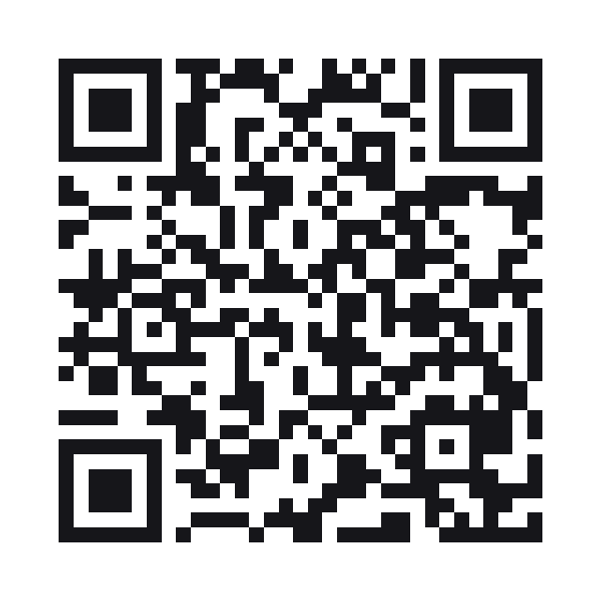
A WiFi QR code stores a network’s name, password and security type, so a phone can join the network without anyone typing.
Style this code — colour, shape, branding, frame and output
Colour & contrastThe ink, the paper behind it, and the three eyes. Every choice is contrast-checked as you make it.
ShapeHow the squares are drawn. The three eyes are styled apart from the data, because a scanner finds the code by them.
BrandingYour mark on the code. Every picture here costs scanability — the notes say how much, and the preview is the truth.
Frame & captionA border and a line of text around the code — the "scan me" that tells a passer-by what it is for.
OutputWhat comes out of the download buttons, and what the symbol actually carries.
Print-ready PDF
A press file at the finished size: 3mm bleed, crop marks and a trim box a print shop’s checks read. The code is drawn black on white whatever the design above — how a colour prints is something only a test print can show.
Why do special characters break WiFi QR codes?
The WIFI: format reserves semicolons, colons, backslashes, quotes and commas as delimiters. Most free generators paste your password in raw — the code scans, but the connection silently fails. We escape every reserved character per the spec and verify the result connects on current iOS and Android.
Where should a WiFi QR code go?
Table tents, reception desks, waiting rooms and guest rooms. Print at 25mm or larger for arm’s-length scanning; the measured minimum for your exact design is shown with every download. Pair it with a menu QR on the same standee — one scan for the network, one for the food.
Does it work with hidden networks and 5GHz?
A hidden SSID works — the code carries the name, so the phone can find it without a broadcast. Dual-band networks with one name need nothing special; the phone picks its band.
WiFi QR code questions
Does it work on both iOS and Android?
Yes — the WIFI: format is read natively by the camera on iOS 11+ and Android 10+. We test the escaped output against current versions of both.
Is my WiFi password sent to your servers?
No. WiFi codes are static and encoded entirely in your browser by the WASM encoder. The password never leaves the page.
What if I change my WiFi password?
A static WiFi code must be regenerated and reprinted — the credentials are inside the code. Regeneration is free and takes under 20 seconds.
Can guests scan it if the network is down?
The scan works — it saves the credentials. The phone simply fails to connect until the network is back.
Built to ISO/IEC 18004:2024 (the QR code symbology) · ZXing barcode contents (the WIFI: and MECARD: formats phones read)