Make it look like yours. It still has to scan.
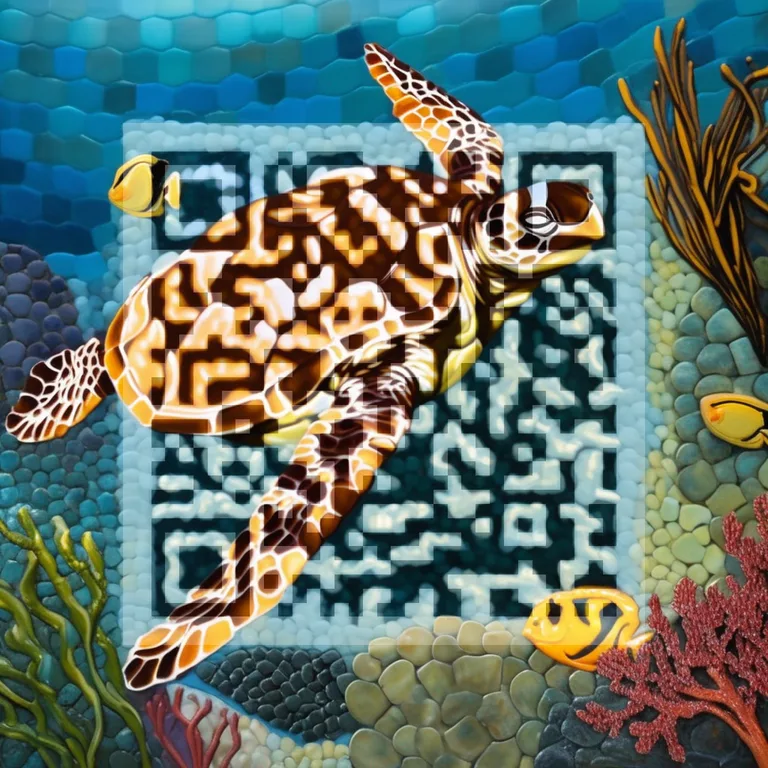
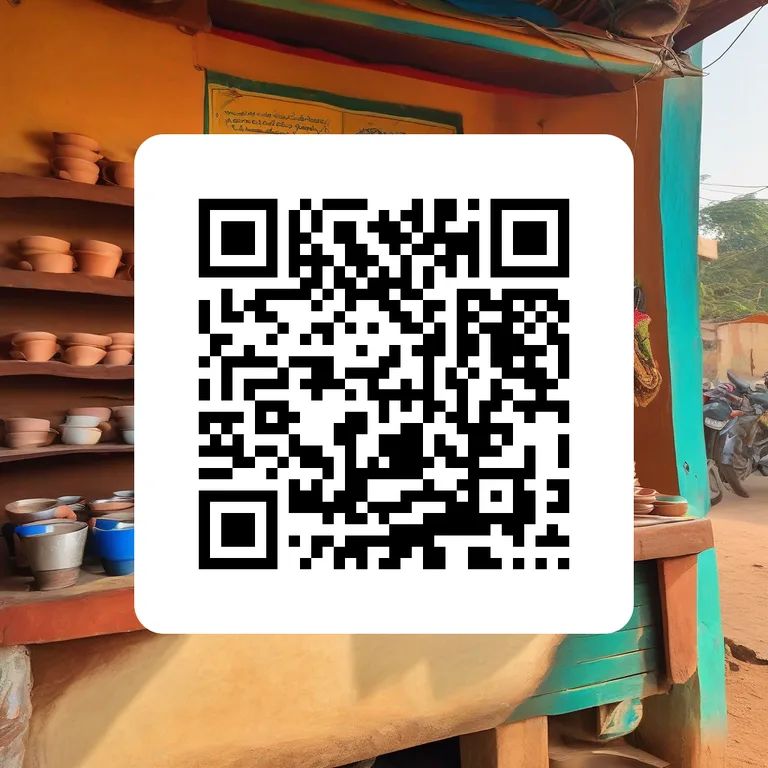
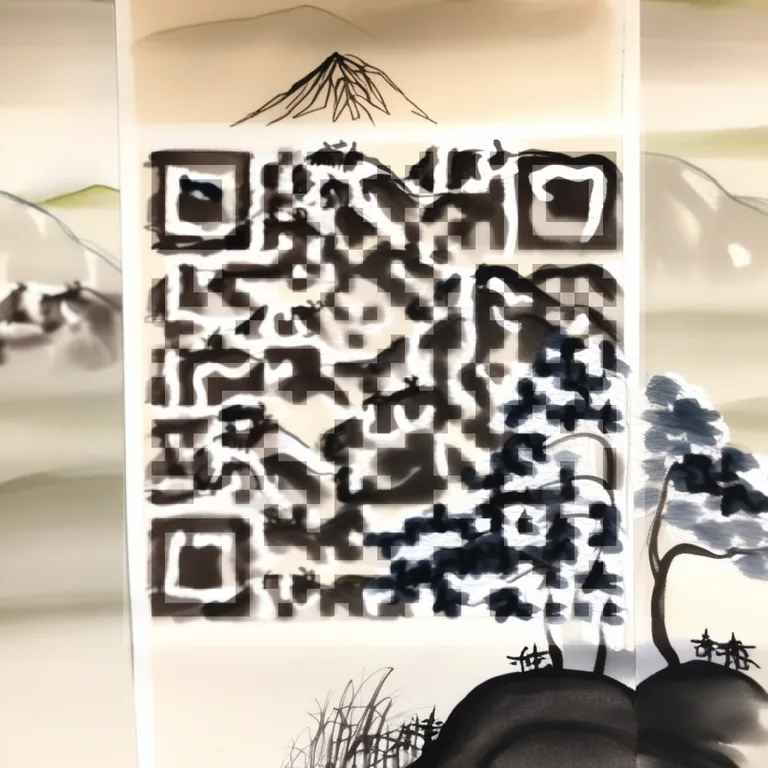
Two studios in your dashboard. The design studio gives a code your shapes, colours, logo and frame and checks it as you go. The AI studio paints artwork around a code, reads photos into drafts and makes print assets — and throws away anything that does not decode.
In your dashboard · every plan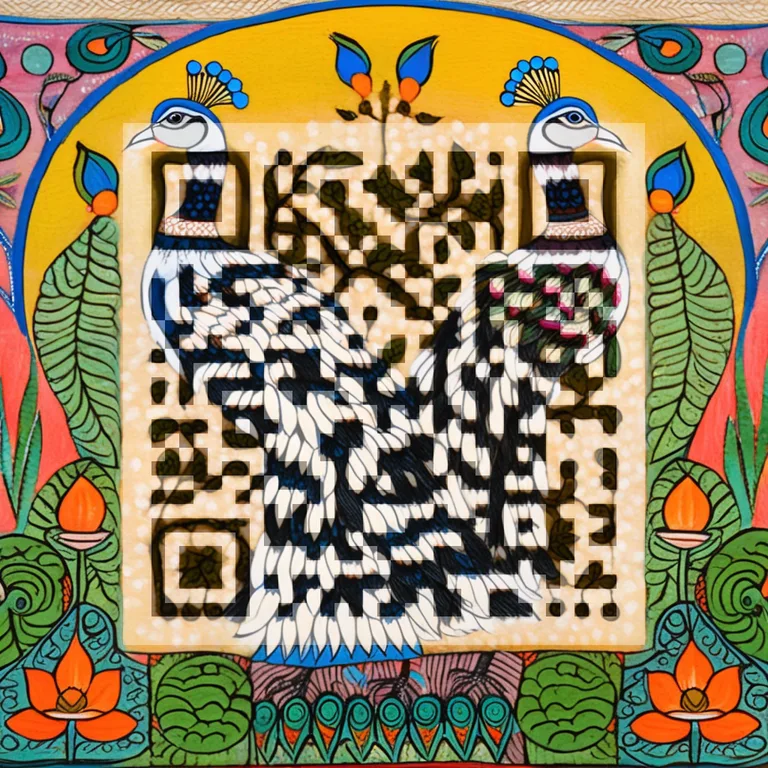
Every part of the code, yours to set
The studio opens on any code you save. Tools on the left in the order you use them, the code in the middle, and the checks on the right — re-run on every change.
measuredQuiet zone4 modulesDecode testreadsError correctionauto · MLogo coveragenoneEach check is explained in a sentence. Measured, not scored — no score is shown until our print study runs.A real catalogue, every piece decode-tested
Each of these is drawn by the same encoder the studio uses, and every style is read back by a decoder before it is offered.
40module shapes, or draw your own
- Rounded
- Dot
- Classy
- Hexagon
- Diamond
- Heart
- Star
- Fluid
20 + 20eye frames and eye centres, each corner its own
- Square
- Rounded
- Circle
- Leaf
- Flower
- Petal
31frames · 57 fonts · a caption up to 48 characters
- Panel
- Solid
- Ribbon
- Tooltip
- Badge
- Ticket
Your colours and logo, with the margins kept
- Contrast is measured at both ends of a gradient.
Colours and gradients
- Linear, radial and conic gradients
- An eyedropper on every colour
- A colour-blind preview
- A transparent background, or an image behind the code
- As the logo grows, the error correction rises with it — the studio picks M, Q or H.
Your logo, sized safely
- Up to 30% of the code
- Error correction follows the logo’s size
- The studio says when a logo is over its budget
- Kits, versions, undo and redo — the parts of a design you want to keep.
Brand kits and versions
- Keep colours and logo as a kit; apply it in one click
- Undo and redo every change
- Save a design as a version to return to
- 44 one-click templates change the look, never your link, logo or caption
Four symbols, six formats, three print sheets
- QR codeModel 2, the one every phone reads
- Micro QROne finder, for very small labels
- rMQRRectangular, for narrow strips and edges
- GS1 Digital LinkFor packaging; publishing it through our resolver needs Pro
PNGSVGPDFEPSWEBPJPGNo watermark, on any plan
- A4 posterFor a wall or a window
- A5 table tentFolded panels for a table
- 6 × 4″ counter cardBeside the till
What AI does here — and the one thing it never does
AI makes pictures, drafts and words. It never decides what a code encodes: that comes from you, encoded the normal way, every time.
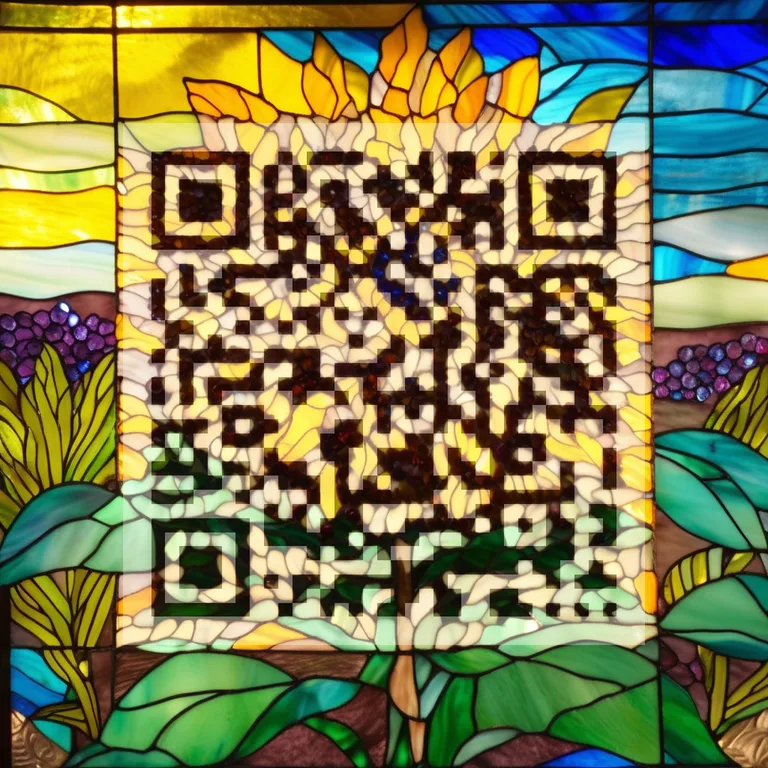
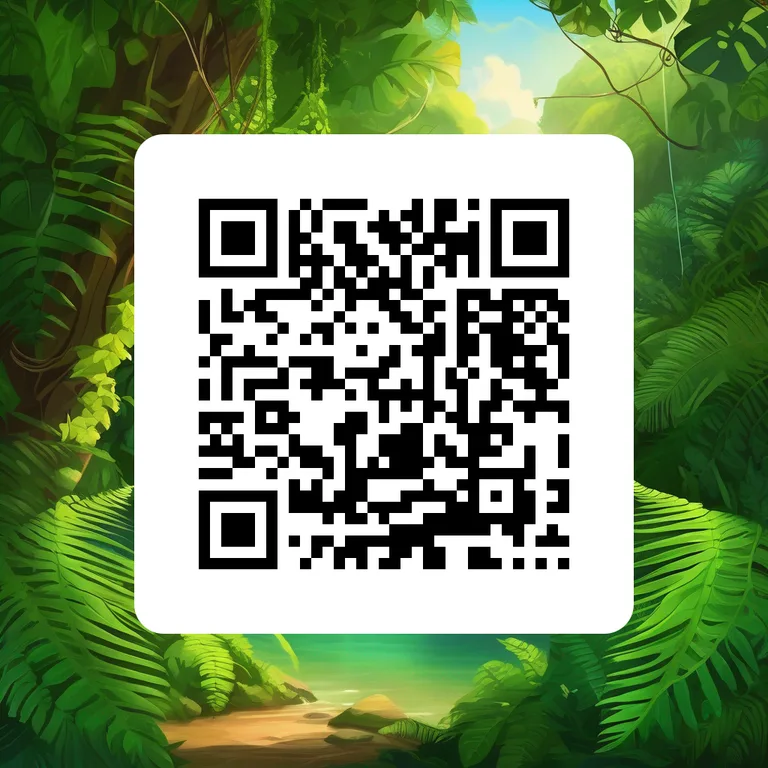
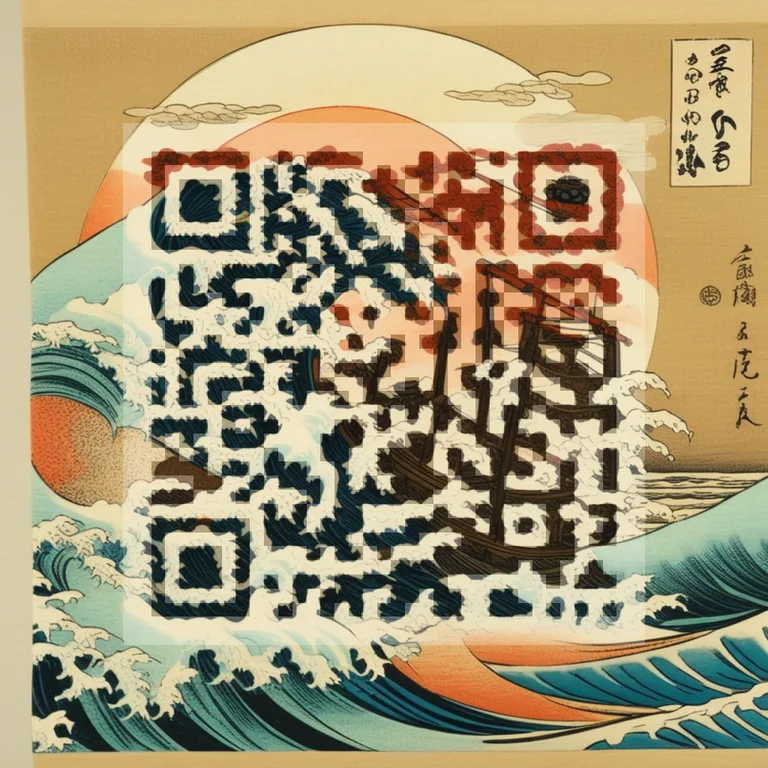
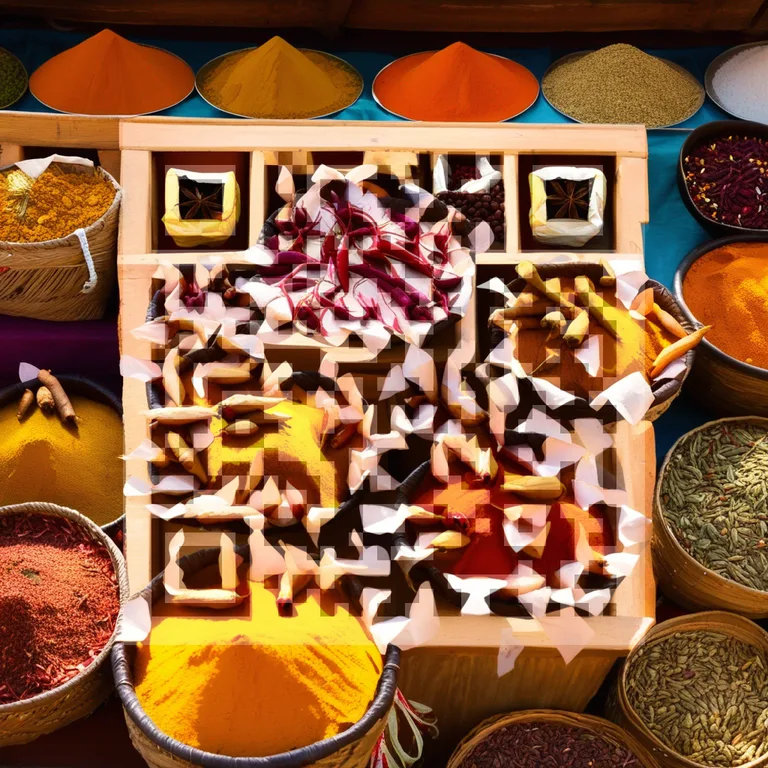
See every real result on the AI QR code page
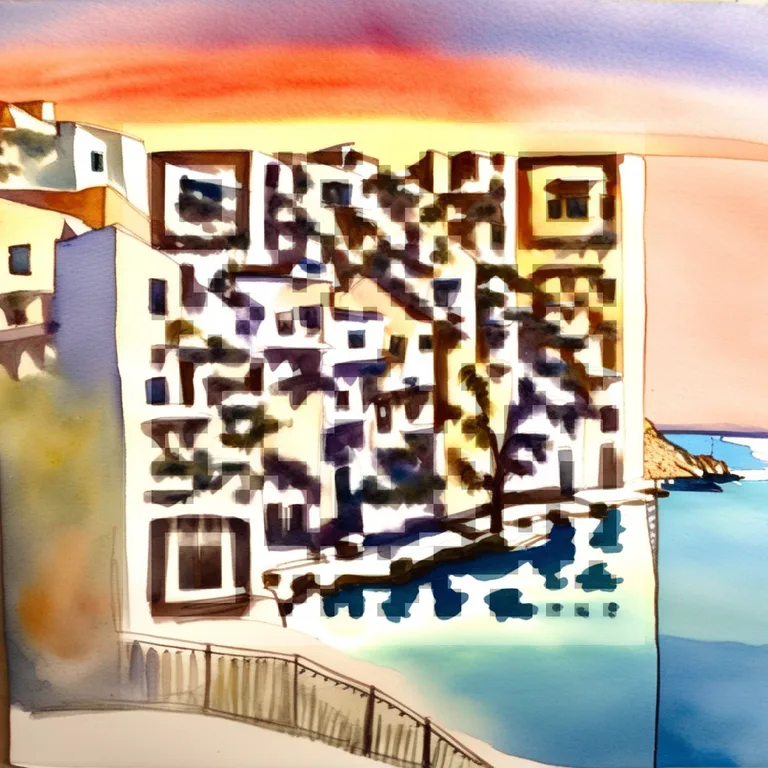
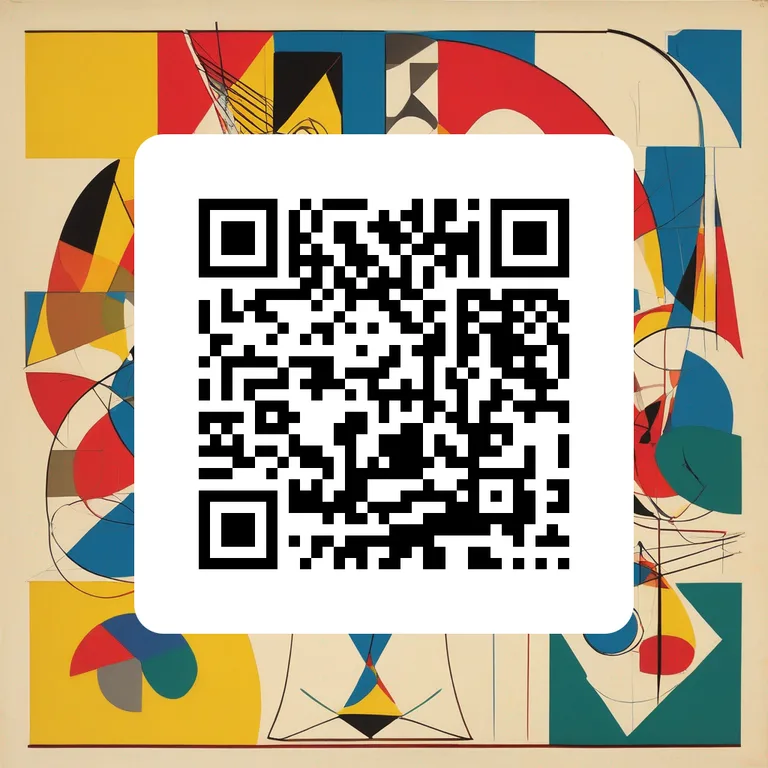
QR art
- Pick a style — more than 140 — or describe a scene
- Around the code · through it3 · 6 credits
- Four options a run; refine one, upscale it for print1 credit
- A free history of every set
Drafts from a photo or a page
- A business card or a standee photo2 credits
- A printed menu, per page2 credits
- A landing page from a web address3 credits
- Everything lands as a draft you check; a UPI ID read from a photo is never filled in for you
Print and social assets
- A poster, standee or story for your code3 credits
- A pack of 8 sizes6 credits
- A new background · another language2 · 1 credits
Words and translation
- Call-to-action lines for a frame1 credit
- Translate a menu · a page2 · 3 credits
- Make a code from a plain description1 credit
- Explain why a code won’t scan1 credit
The rules every result follows
The same three, in both studios.
AI never writes your payload
It may propose form values you confirm. What a code encodes is always yours, and always deterministic.
Art is made at error correction H
The highest level, whatever the design would otherwise allow, so the art has the most room.
Nothing is delivered unread
Every design and every art result is decoded before you can download it; one that does not read back exactly is thrown away.
What AI costs, and what each plan includes
Designing uses no credits — only the studio’s two AI helpers, describing an edit in words and suggesting a style, use 1 each. AI actions use the credits your plan includes each month; at zero it stops, and nothing is charged beyond what you have.
| Action | Credits |
|---|---|
| QR art | |
| Around the code · through it | 3 · 6 |
| Regenerate · upscale for print | 1 · 1 |
| Drafts | |
| Business card · standee · menu page | 2 |
| Landing page from a URL | 3 |
| Bulk CSV column mapping | 1 |
| Assets and words | |
| One asset · a pack of 8 | 3 · 6 |
| Call-to-action lines · code from a description | 1 |
| Translate a menu · a page | 2 · 3 |
| Inside the design studio | |
| Describe an edit · suggest a style | 1 · 1 |
AI credits a month, by plan
- Free20 once
- Lite50
- Starter100
- Starter Plus250
- Pro500
- Business2,000
- Growth4,000
- Agency6,000
- Scale12,000
Free’s 20 come once, in its first 30 days. Credit packs never expire.
Which studio do I need?
| Compared | Design studio | AI studio |
|---|---|---|
| You want | Your colours, logo and shapes on a clean code | A picture people stop for, or a draft made for you |
| Cost | Included; only its two AI helpers use a credit | Credits per action |
| Smallest print | Smaller | Larger for art through the code |
| Payments (UPI) | Recommended | Not recommended for art — a payment code should be plain to check by eye |
Questions
Is the design studio on every plan?
Yes. It opens on any code you save, on every plan, Free included. Publishing a GS1 Digital Link through our resolver is the one part that needs Pro.
Does designing a code use AI credits?
No. Shapes, colours, logos, frames, templates and downloads use none. Only the studio’s two AI helpers — describing an edit in words, and asking for a style suggestion — use 1 credit each.
Will a styled code still scan?
Every style is decode-tested before it is offered, and the studio decodes your design on every change. That checks the file; scan a printed proof before a large print run, because paper, ink and light matter too.
What happens when my credits run out?
AI actions stop until your plan’s next month or until you add a credit pack. Nothing is charged beyond what you have, and every code you made keeps working.
Can I see AI results before I sign up?
Yes. The AI QR code page shows real results, each decoded before it was kept, and lets you see your own link as a working code.